Social Media Content Calendar by ScheduleWave
Plan, visualize, and manage your entire social media strategy with a beautiful drag-and-drop content calendar.
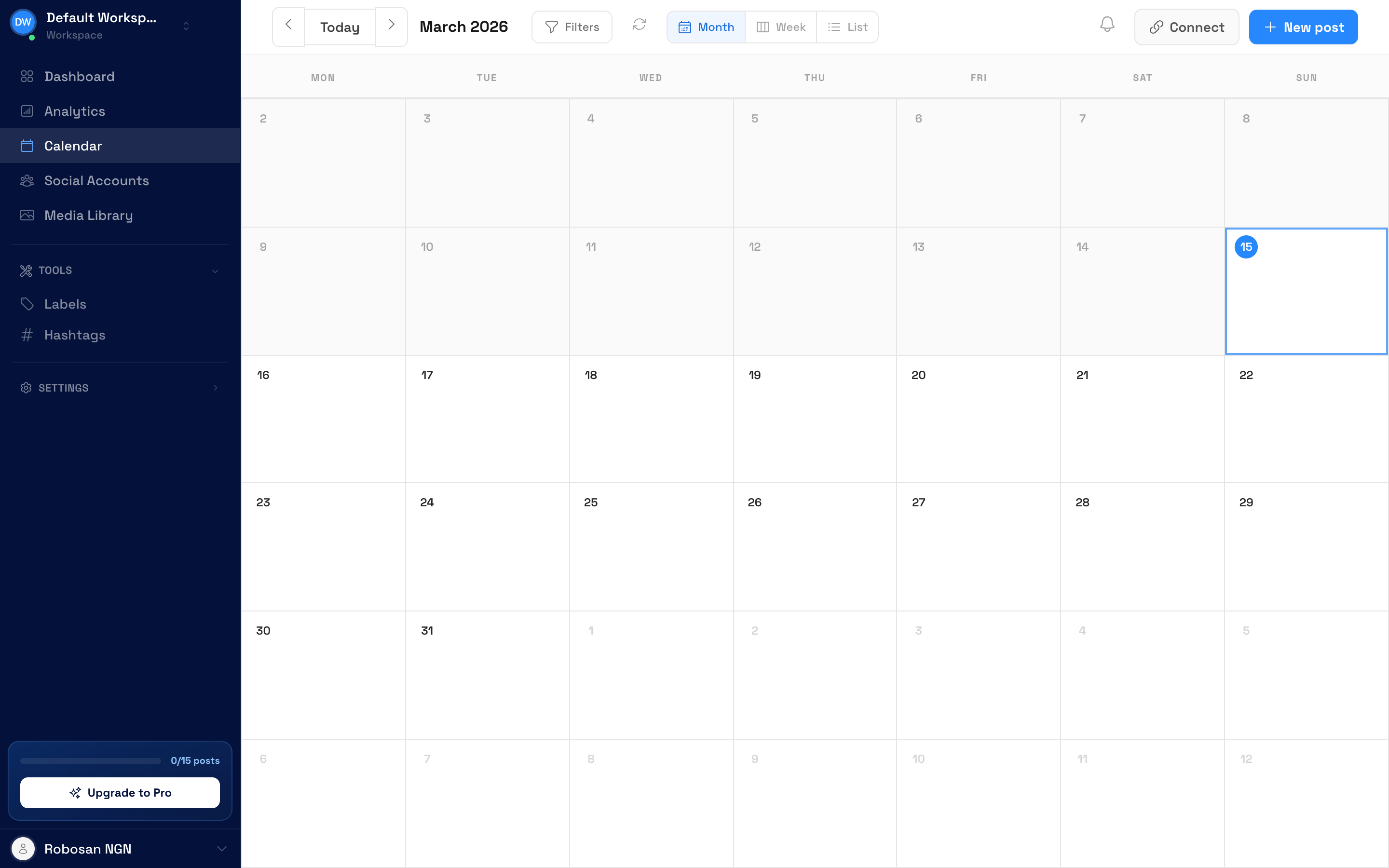
Why use content calendar?
See your entire strategy at a glance
Visual planning
See your entire week or month of content at a glance. Spot gaps, balance content types, and ensure consistency.
Drag & drop simplicity
Rearrange your content schedule by dragging and dropping posts. Rescheduling takes seconds, not minutes.
All platforms, one view
See posts for Facebook, Instagram, TikTok, LinkedIn, and more in a single unified calendar view.
How to use the content calendar
Connect your accounts
Link all your social media accounts to see everything in one calendar. Takes less than 2 minutes.
Plan your content
Click any date to create a new post. Upload media, write captions, and select which platforms to post to.
Review & publish
Review your calendar, drag posts to rearrange, and let ScheduleWave handle the publishing automatically.
Setup takes less than 2 minutes
Powerful content calendar features
Week & month views
Switch between weekly and monthly views to plan at the level of detail you need.
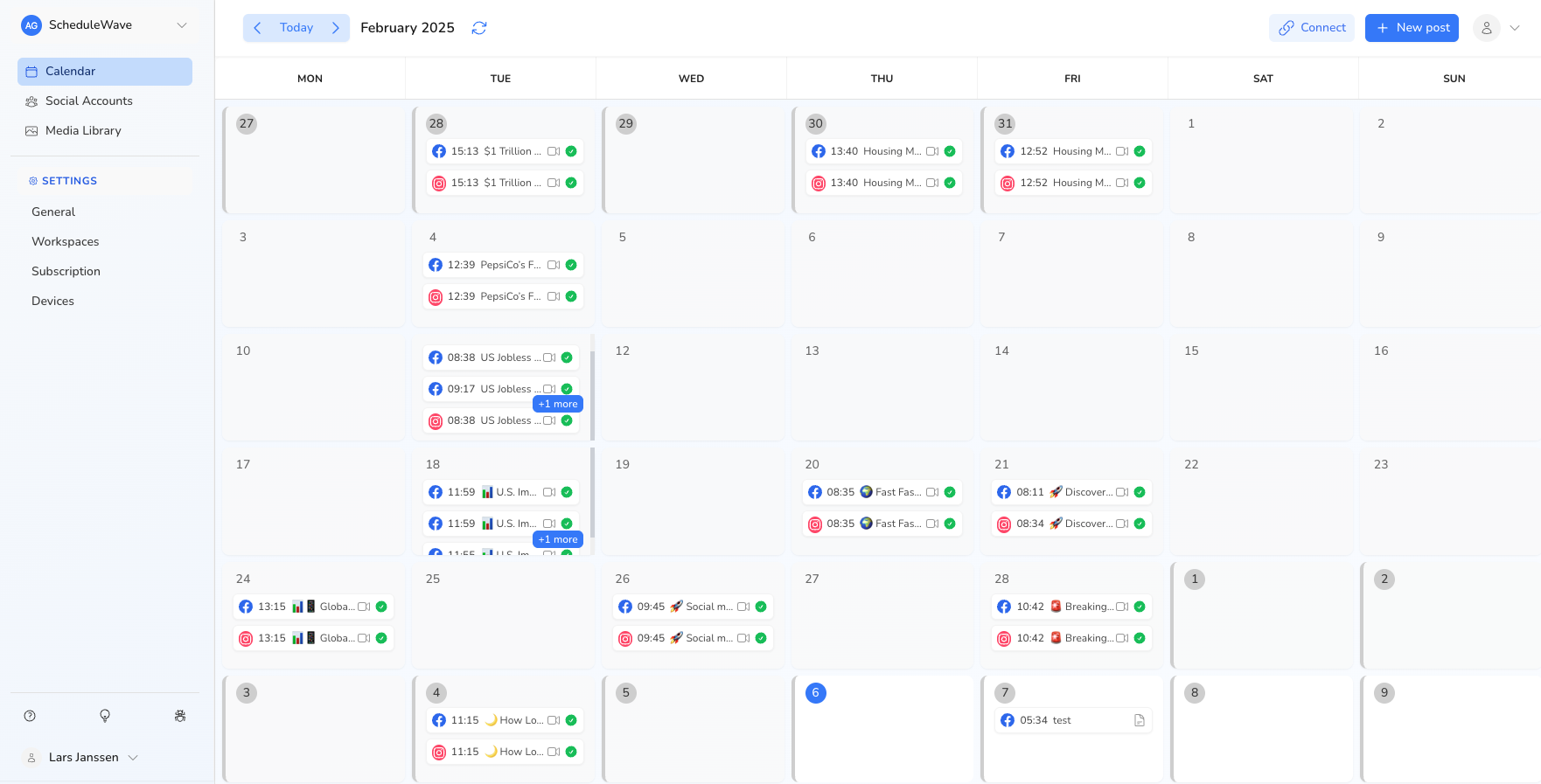
Drag & drop rescheduling
Move posts to different dates and times by simply dragging them on the calendar.
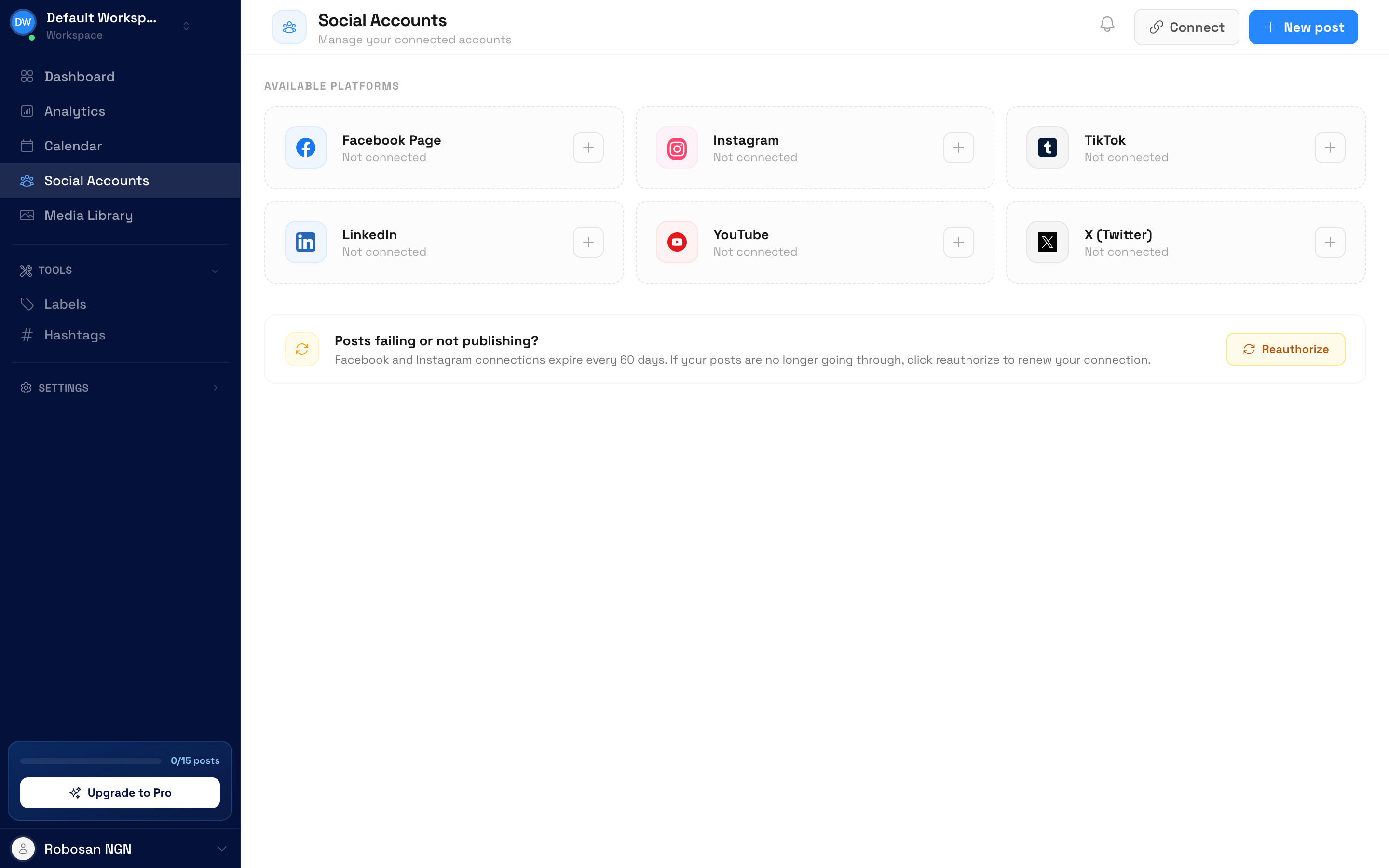
Multi-platform visibility
See posts for all platforms in one view. Filter by platform to focus on specific channels.
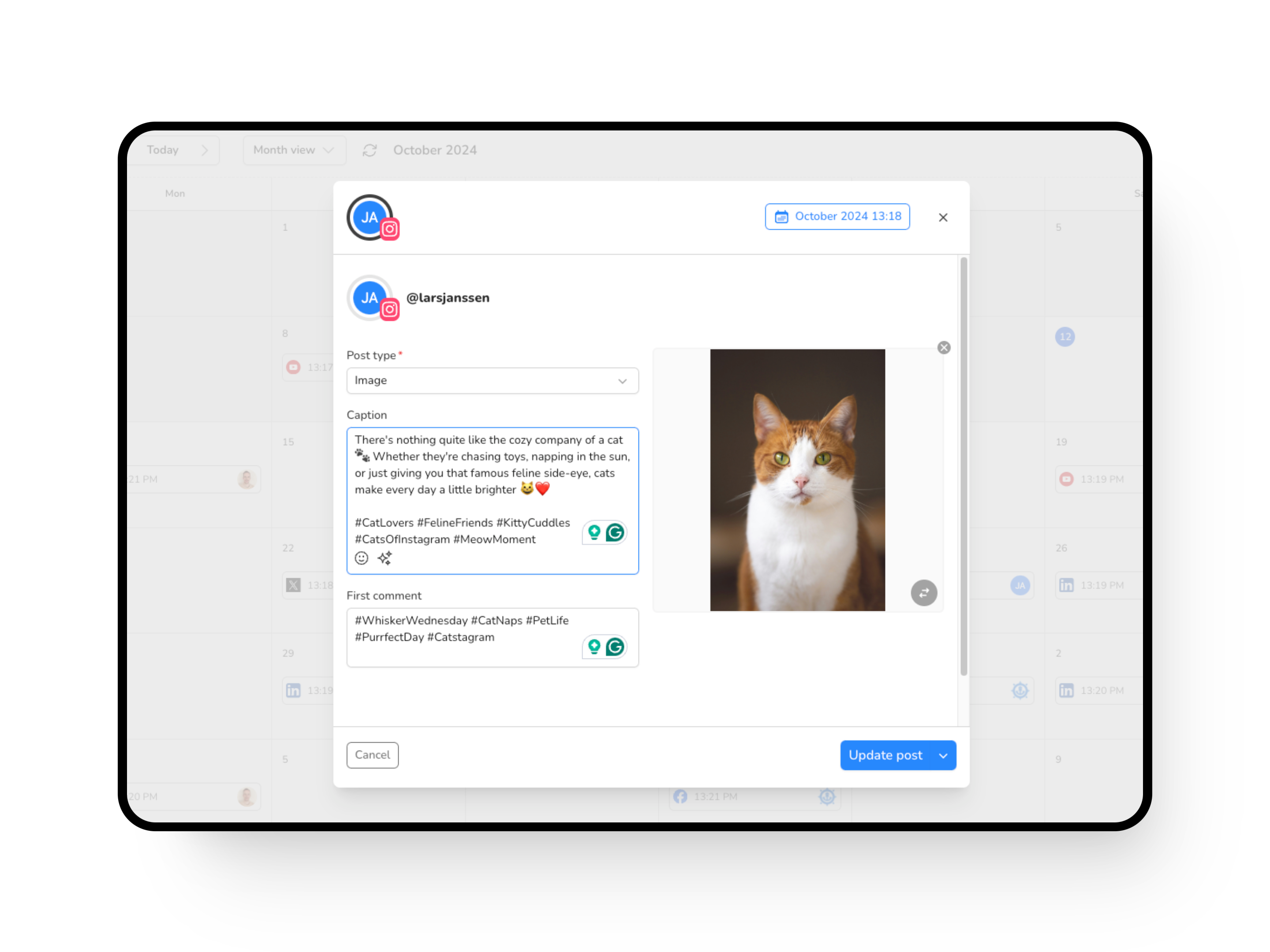
Quick post creation
Click any empty slot to quickly create a new post. Pre-filled with the date and time you clicked.
“The visual calendar changed how our team thinks about content. We went from scattered, ad-hoc posting to a strategic, planned approach that's doubled our social media engagement in three months.”
Frequently Asked Questions
Explore more use cases
Discover everything you can do with ScheduleWave
Who uses content calendar?
Built for businesses of all sizes
Free tools to get started
Try these free tools — no sign-up required.
See how ScheduleWave compares
Side-by-side comparisons and alternatives to popular scheduling tools.
Ready to try content calendar?
Get started with ScheduleWave