Track Your Social Media Performance with ScheduleWave
See which posts perform best, understand your audience, and make data-driven decisions to grow your social media presence.
Why use social media analytics?
Understand what works and double down on it
Know what's working
See which posts get the most engagement, clicks, and reach. Stop guessing and start making data-driven content decisions.
Optimize posting times
Discover when your audience is most active. Schedule posts at peak times to maximize visibility and engagement.
Track growth over time
Monitor follower growth, engagement rates, and content performance across weeks and months. See your progress clearly.
How to use social media analytics
Connect your accounts
Link your social media accounts. ScheduleWave automatically starts tracking performance data for all connected profiles.
Review your dashboard
Visit your analytics dashboard to see post performance, engagement metrics, and audience insights at a glance.
Refine your strategy
Use the data to identify top-performing content. Create more of what works and adjust your posting schedule for maximum impact.
Setup takes less than 2 minutes
Powerful social media analytics features
Post performance metrics
See likes, comments, shares, reach, and impressions for every post. Identify top performers and understand why they worked.
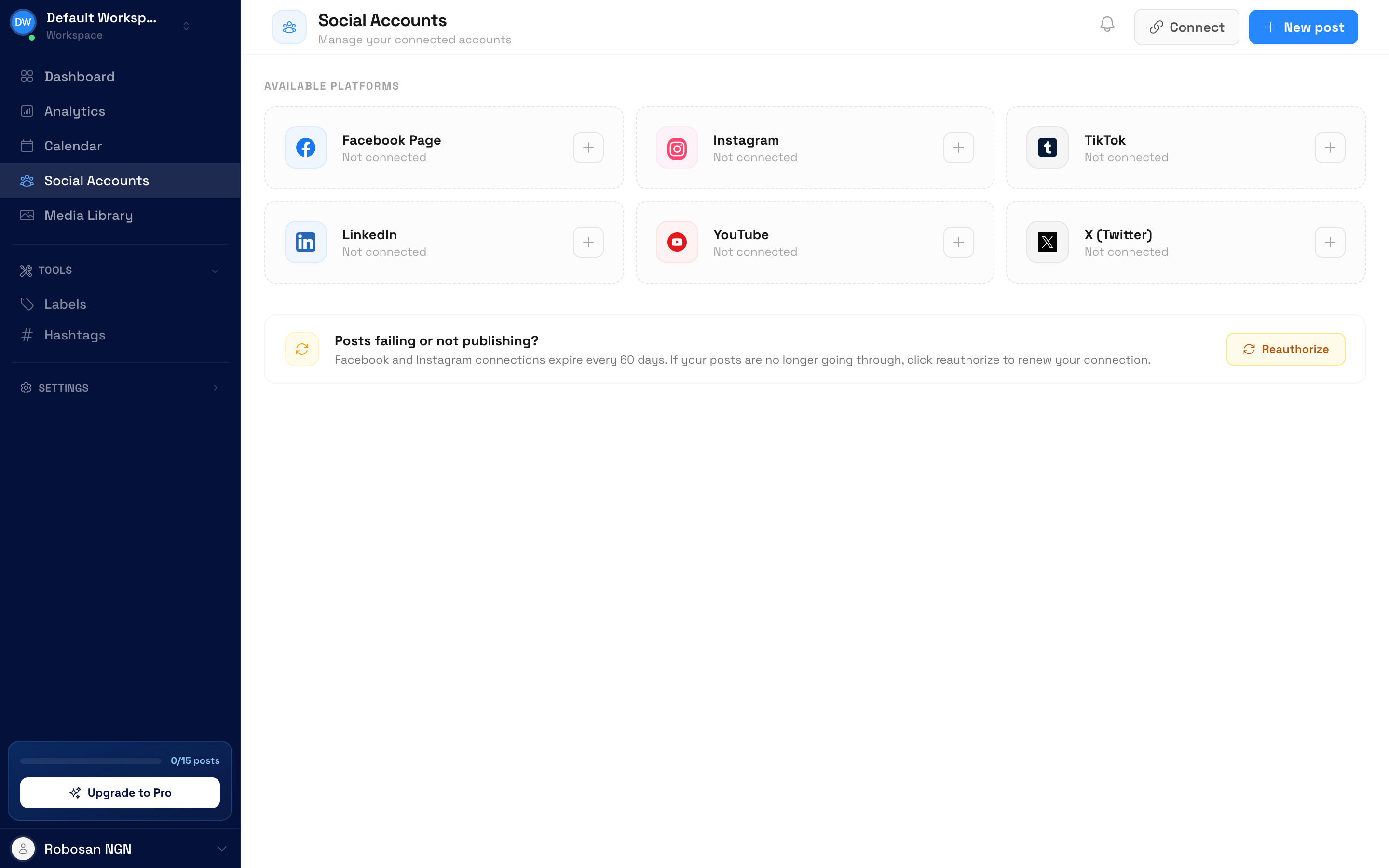
Cross-platform overview
Track performance across all connected platforms in one dashboard. Compare results between Facebook, Instagram, TikTok, and more.
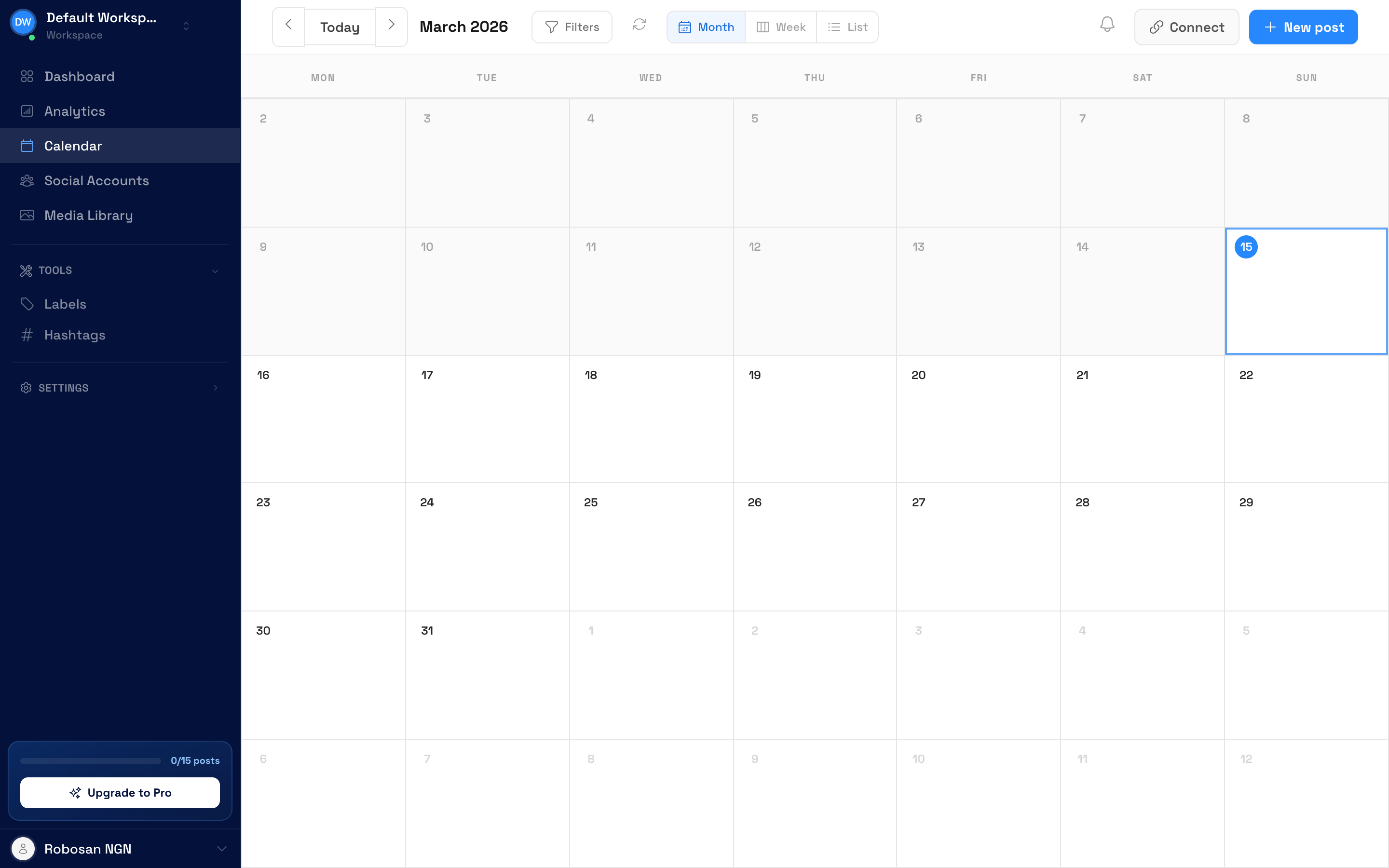
Content calendar with insights
Your content calendar shows performance data alongside scheduled posts. See historical results while planning future content.
Engagement trends
Track engagement rates over time to see if your strategy is working. Spot trends and adjust your approach accordingly.
“We were posting blindly until we started using ScheduleWave's analytics. Now we know exactly which content our audience loves. Our engagement rate increased 85% in three months just by doubling down on what the data told us.”
Frequently Asked Questions
Explore more use cases
Discover everything you can do with ScheduleWave
Who uses social media analytics?
Built for businesses of all sizes
Free tools to get started
Try these free tools — no sign-up required.
See how ScheduleWave compares
Side-by-side comparisons and alternatives to popular scheduling tools.
Ready to try social media analytics?
Get started with ScheduleWave