Manage Multiple Brands with ScheduleWave
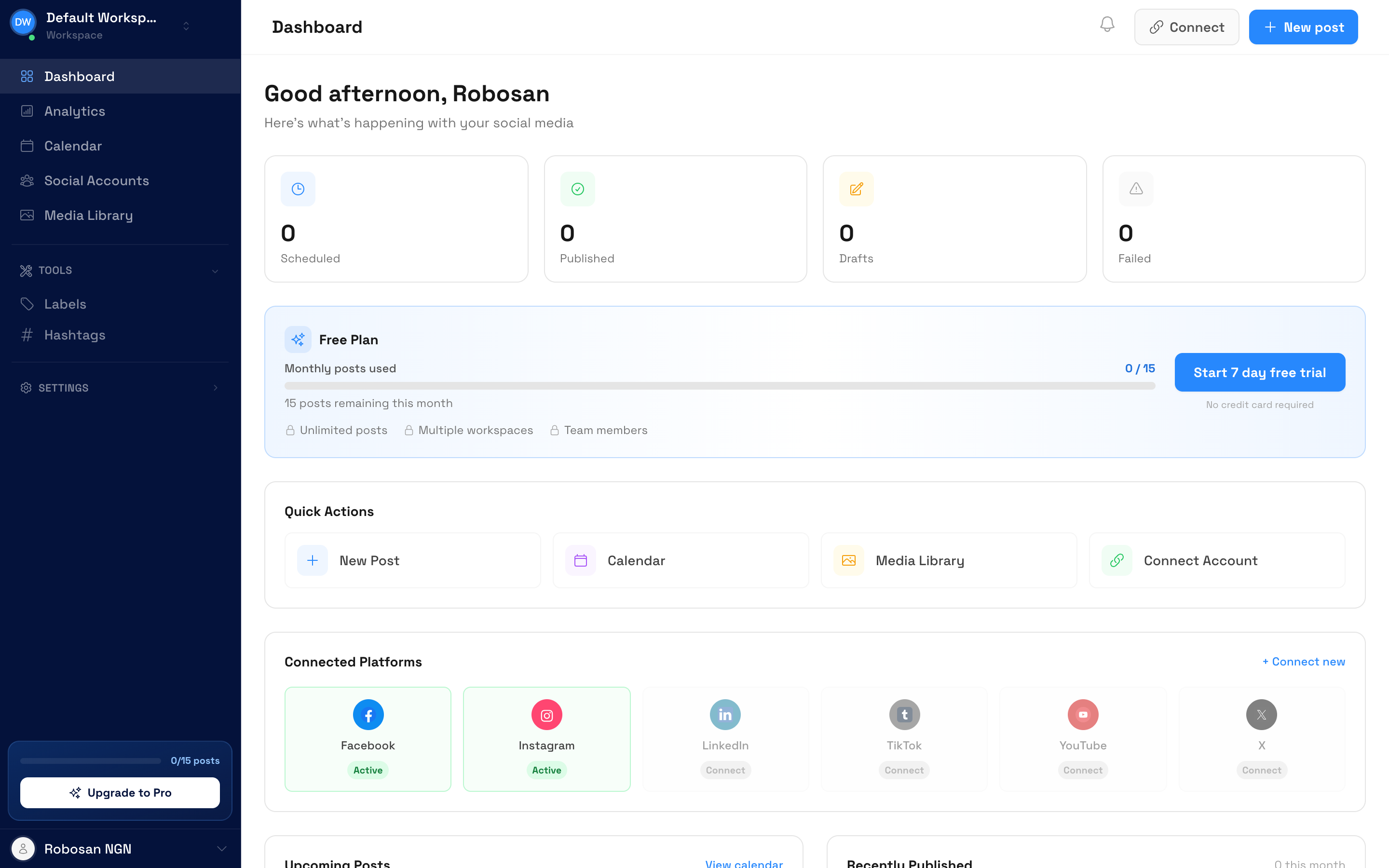
Run social media for multiple brands, clients, or locations from one dashboard. Separate workspaces keep everything organized.
Why use manage multiple brands?
One dashboard, unlimited brands
Separate workspaces
Each brand gets its own workspace with dedicated social accounts, calendar, and media library. No content mix-ups.
Switch instantly
Move between brands with a single click. No logging in and out of different accounts.
Team permissions
Assign team members to specific brands. Everyone sees only what they need to see.
How to manage multiple brands
Create workspaces
Set up a workspace for each brand, client, or location. Give each one a name and connect its social accounts.
Assign team members
Invite team members and assign them to specific workspaces. Each person gets their own login.
Schedule per brand
Switch between workspaces to schedule content for each brand. Keep strategies and calendars completely separate.
Setup takes less than 2 minutes
Powerful manage multiple brands features
Independent workspaces
Each workspace has its own social accounts, content calendar, media library, and post history.
One-click switching
Switch between brand workspaces instantly from the sidebar. No separate logins required.
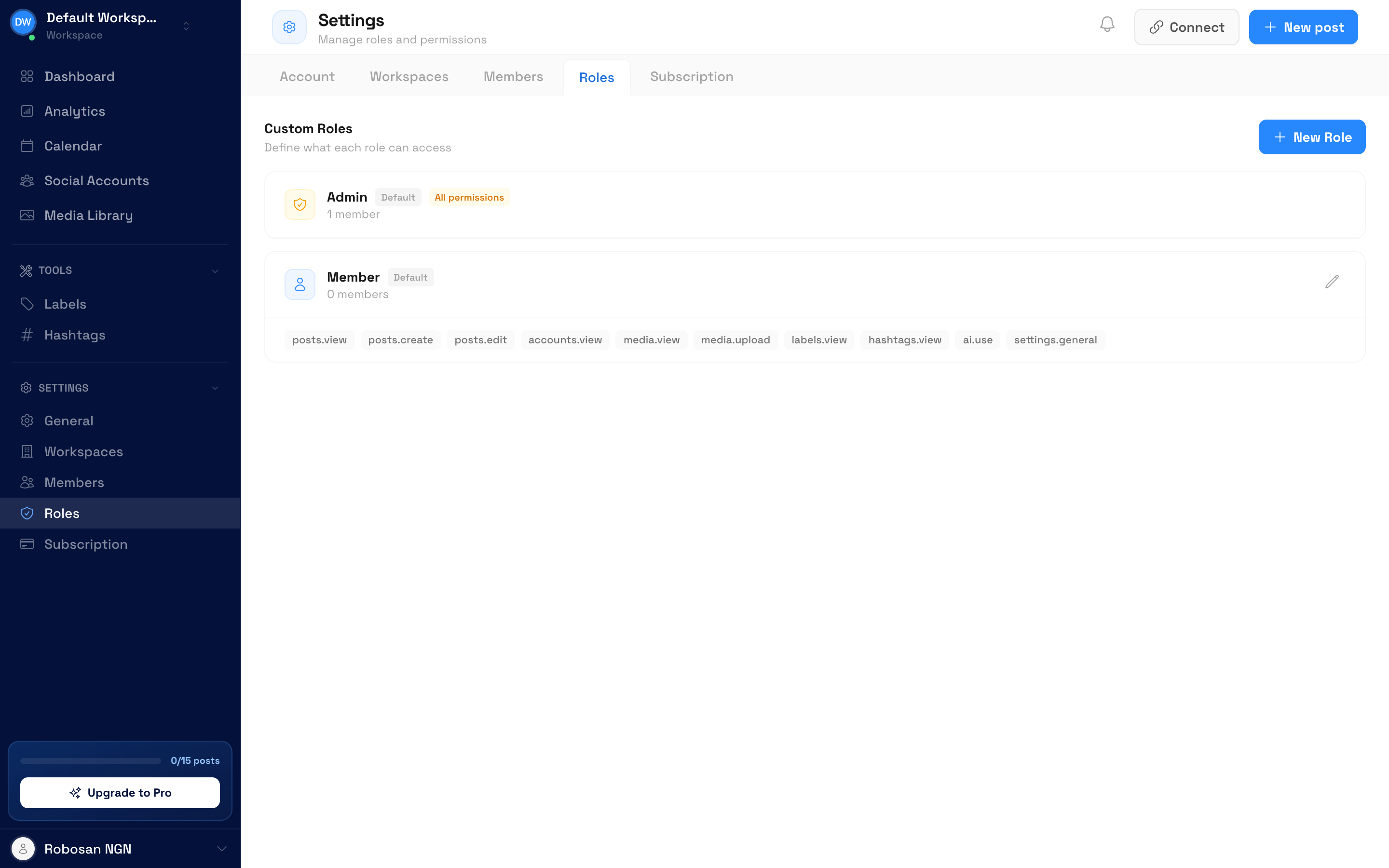
Team member management
Add team members to specific workspaces. Control who can create, edit, and schedule content for each brand.
Scalable pricing
Each additional workspace is just $10-12/month. Scale affordably as you add more brands or clients.
“Managing 8 client accounts was chaos before ScheduleWave. Now each client has their own workspace and my team members only see the brands they're assigned to. It's exactly what our agency needed.”
Frequently Asked Questions
Explore more use cases
Discover everything you can do with ScheduleWave
Who uses manage multiple brands?
Built for businesses of all sizes
Free tools to get started
Try these free tools — no sign-up required.
See how ScheduleWave compares
Side-by-side comparisons and alternatives to popular scheduling tools.
Ready to try manage multiple brands?
Get started with ScheduleWave